Double-tap to lock
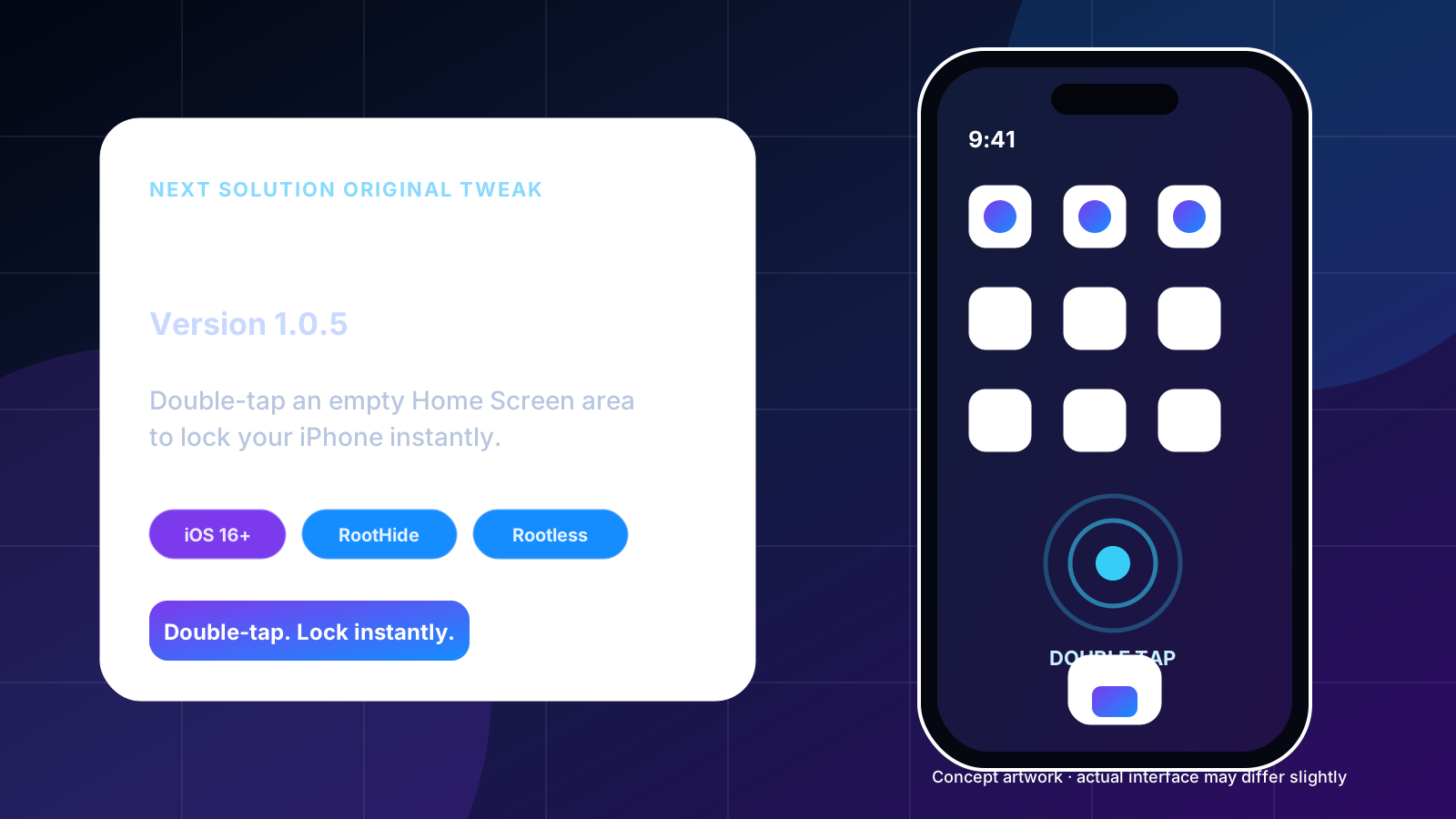
Tap twice on empty Home Screen space and SpringBoard performs the same lock action used by the device lock button.
Double-tap a genuinely empty Home Screen area to lock your iPhone. Version 1.0.5 keeps the physically verified lock method and replaces the former diagnostic-heavy pane with one clean on/off switch.
Jailbreak required. Compatibility depends on the device, iOS version and jailbreak environment. The artwork on this page is conceptual and may differ slightly from the real Settings interface.
This release intentionally focuses on one reliable convenience feature instead of adding unrelated controls.
Tap twice on empty Home Screen space and SpringBoard performs the same lock action used by the device lock button.
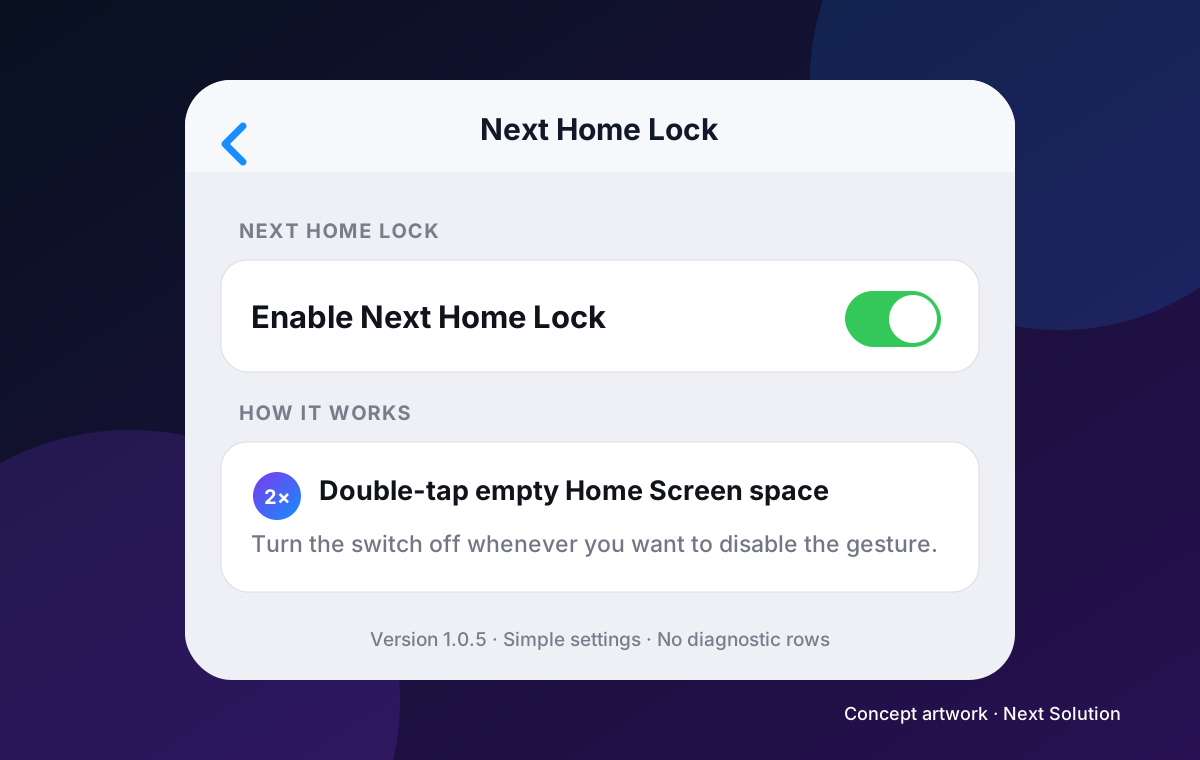
Settings → Next Home Lock contains only Enable Next Home Lock. Turn it off to disable the gesture without uninstalling.
The working implementation listens to the Home Screen icon-list background rather than adding a broad gesture across every app.
No network service, analytics, clipboard access, account access or background daemon is used.
The release pane was deliberately reduced after device testing confirmed the core feature. Developer diagnostics, process IDs, hook status and test buttons are no longer shown to normal users.
| Package | Architecture | Use when |
|---|---|---|
| RootHide | iphoneos-arm64e | Your jailbreak environment uses RootHide Bootstrap. |
| Rootless | iphoneos-arm64 | Your device uses a standard rootless jailbreak such as a compatible Dopamine environment. |
Minimum iOS: 16.0. Dependencies: mobilesubstrate and PreferenceLoader. Modified process: SpringBoard. Settings pane: included.
com.nextsolution.nexthomelock, and are alternative builds of the same tweak.Use Sileo for normal installation. Direct DEB downloads are provided for advanced users and troubleshooting.
Add the live Next Solution source served by nextsolution.cc.
Add Next Solution RepoView the repository directly in a browser.
Open nextsolution.ccFor iphoneos-arm64e RootHide environments.
Download RootHide DEBFor standard iphoneos-arm64 rootless environments.
Download Rootless DEBConfirm the switch is enabled, respring again and test a clearly empty Home Screen area rather than an icon, widget, dock or folder.
Remove the installed package, respring, then install only the build matching RootHide or standard rootless.
Open Sileo while in Safe Mode, uninstall Next Home Lock, then respring. Keep access to Sileo before installing any SpringBoard tweak.
Uninstall com.nextsolution.nexthomelock in Sileo and respring. The Home Screen returns to stock behaviour.
No. It requires a supported jailbroken iOS 16 environment.
Install NextHomeLock_1.0.5_RootHide.deb, architecture iphoneos-arm64e.
Install NextHomeLock_1.0.5_Rootless.deb, architecture iphoneos-arm64.
Yes. Respring after installation or upgrade so the SpringBoard tweak and preference bundle reload.
Yes. Open Settings → Next Home Lock and turn off the single enable switch.
They were temporary troubleshooting tools. Once the diagnostic release was physically confirmed, version 1.0.5 kept the working runtime and restored a clean user-facing pane.
No. It does not edit icons, app data, messages, contacts, accounts or files.
Use the Next Solution contact links or YouTube channel and include your iOS version, jailbreak type and installed package variant.