PhoneAura 0.4.16
PhoneAura replaces the standard iOS 16 Phone app experience with modern Favorites, smarter Recents, redesigned Contacts and a stable, feature-rich Keypad—without moving the keypad while saved-number suggestions update.
PhoneAura requires a jailbroken device. The concept artwork on this page matches the tweak’s design direction; small spacing or system-view differences can vary by device size and enabled settings.
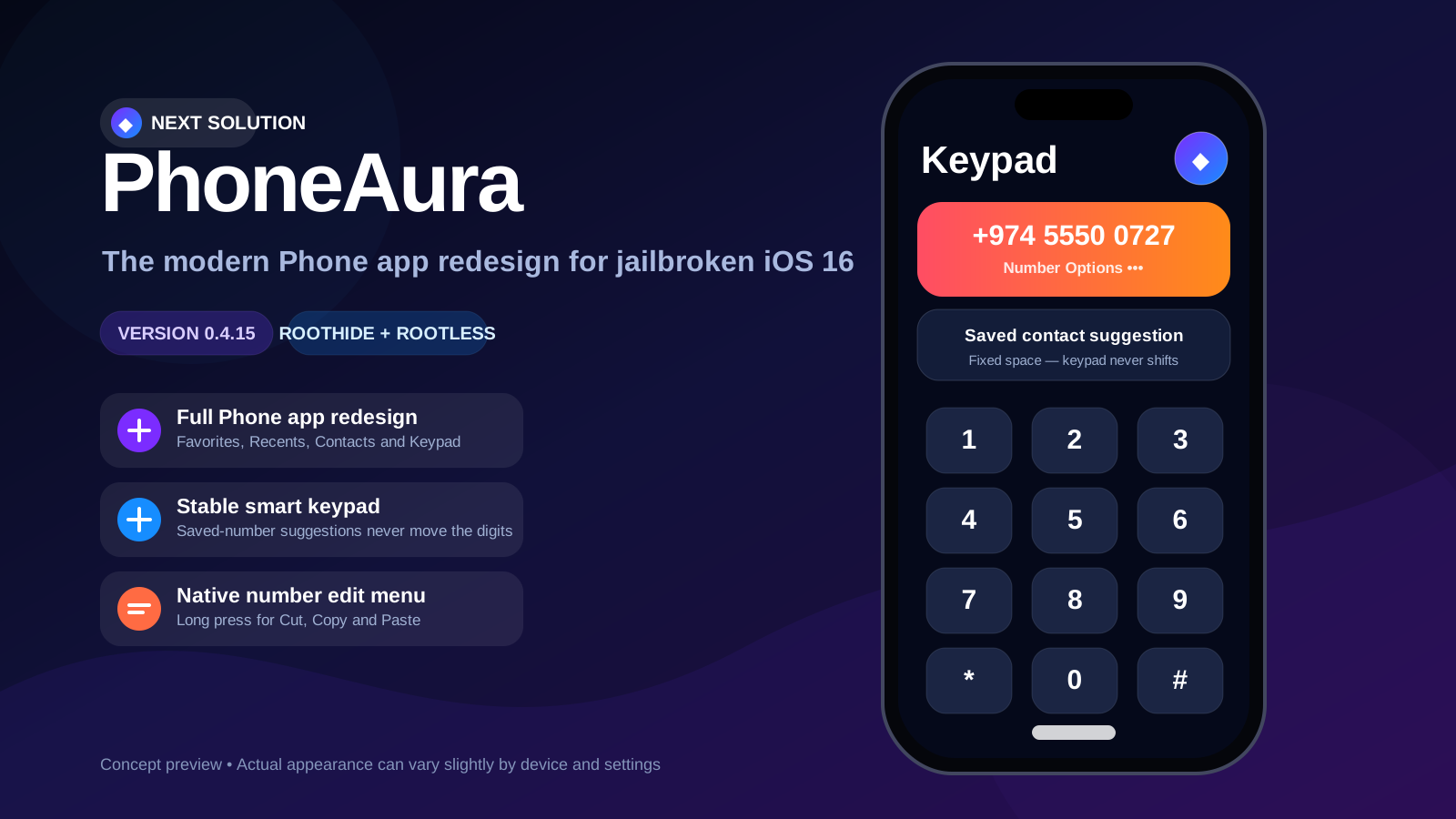
A complete Phone app refresh
PhoneAura is not only a color change. It provides custom root surfaces, practical actions and safer number handling across the main Phone app tabs.
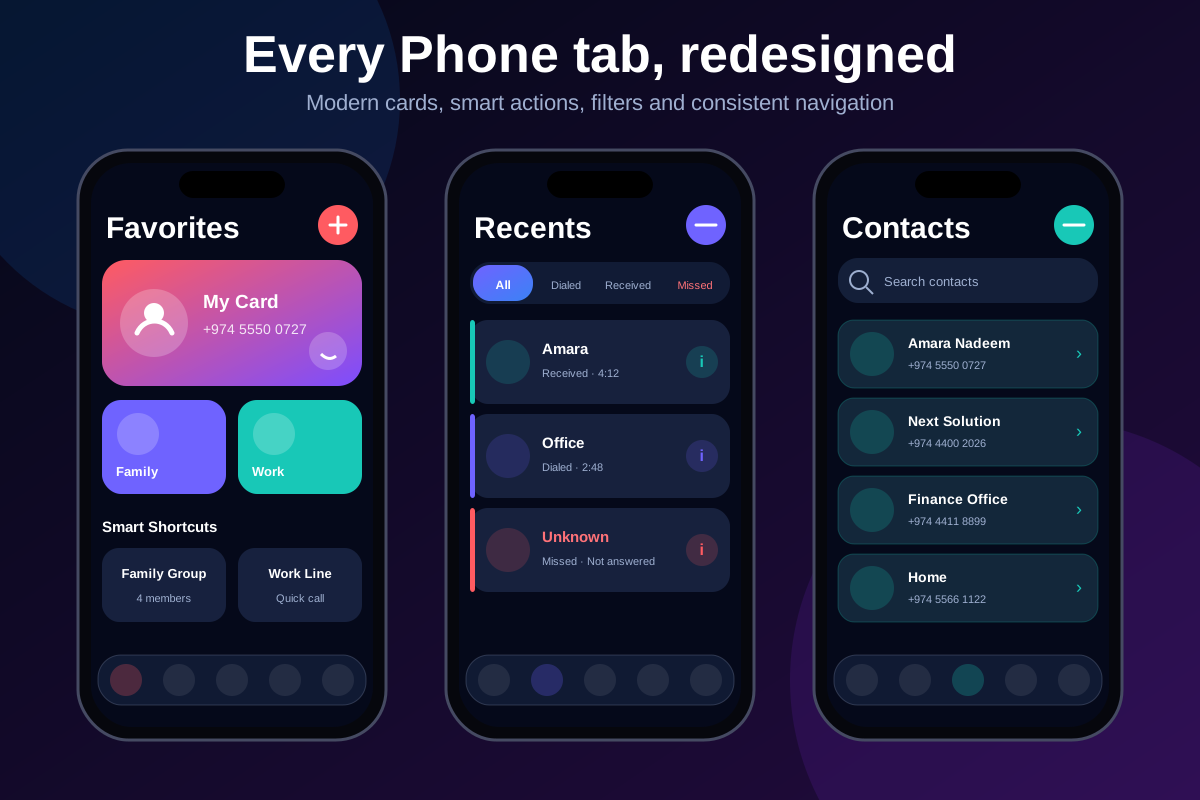
Custom Favorites
Large contact cards, quick actions and PhoneAura Studio support for selecting the people you call most.
Smart Recents
Filter calls by All, Dialed, Received or Missed, open a detailed call view and remove unwanted call records.
Redesigned Contacts
Modern contact rows, search, profile cards and direct access to saved numbers inside the PhoneAura interface.
Stable Smart Keypad
A fixed-height saved-number suggestion area prevents the digit grid from jumping while you type.
Stable Number Handling
Version 0.4.16 removes the unsafe global edit-menu hooks from 0.4.16 and restores the stable number-display behavior used in 0.4.14.
Next Solution Shortcut
The upper-right Keypad logo opens the official Next Solution YouTube channel while Number Options remains available below.
Designed to feel modern and consistent
The visual system uses dark navy surfaces, colorful action accents, rounded cards and a glass-style navigation dock.
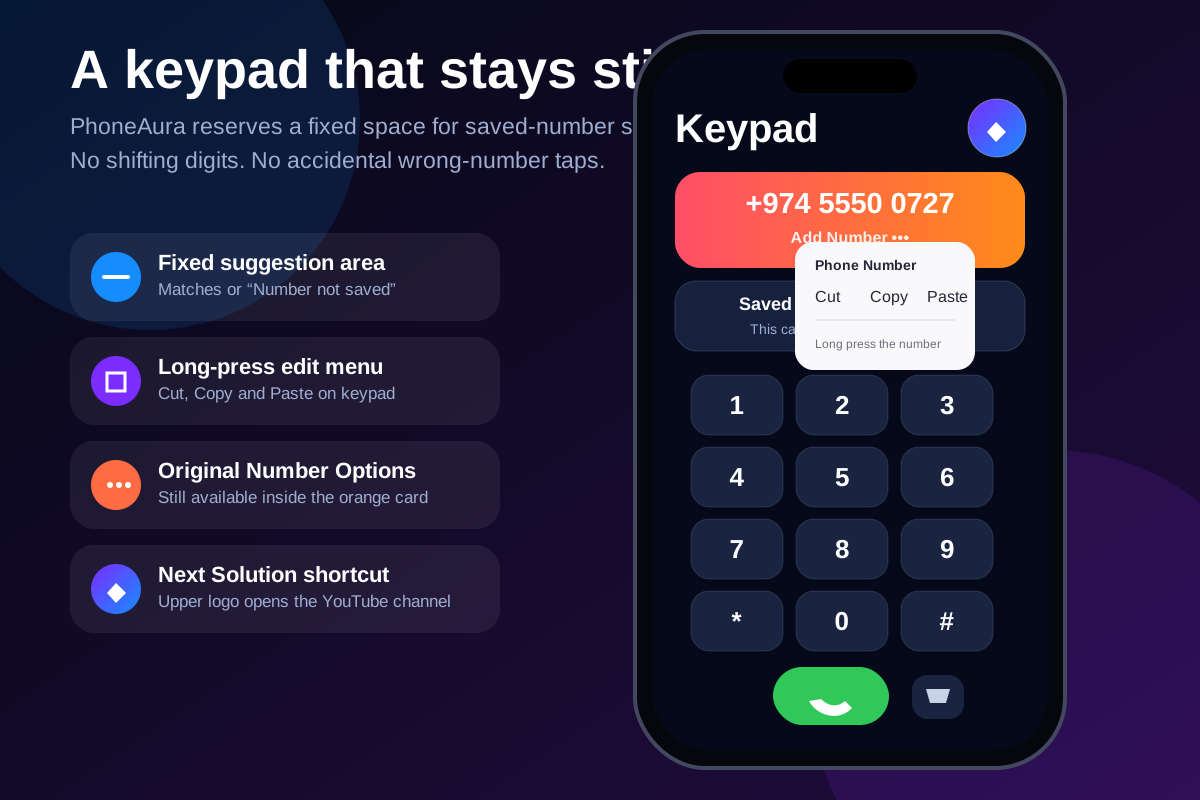
Why the fixed keypad space matters
In earlier builds, saved-number results could appear and disappear while typing. That changed the available vertical space and shifted the digit grid, increasing the chance of tapping the wrong number.
PhoneAura now reserves the suggestion card at all times:
- Matching saved contacts appear inside the reserved card.
- When no contact matches, it displays Number not saved.
- Before enough digits are entered, a neutral helper message appears.
- The keypad digits, Call button and Delete button remain in fixed positions.
Keypad shortcuts
- Long press 0 to enter the plus symbol.
- Long press Delete to clear the complete number.
- Use the lower Number Options menu to create or update a contact.
- Tap the upper Next Solution logo to open the YouTube channel.
Choose the correct package
RootHide and standard rootless jailbreaks use different filesystem layouts and package architectures. Install only the version matching your jailbreak.
| Package | Architecture | Use this when |
|---|---|---|
| RootHide | iphoneos-arm64e | Your device is jailbroken using the RootHide environment. |
| Rootless | iphoneos-arm64 | You use a standard rootless jailbreak environment such as a compatible Dopamine/palera1n setup. |
Download PhoneAura 0.4.16
Install from the Next Solution repository for easier upgrades, or download the matching DEB directly.
RootHide Package
For RootHide jailbreak environments. Architecture: iphoneos-arm64e.
Download RootHide DEBRootless Package
For standard rootless jailbreak environments. Architecture: iphoneos-arm64.
Download Rootless DEBInstallation steps
Recommended first test
- Confirm Settings → PhoneAura shows version 0.4.16.
- Respring, fully close the Phone app and reopen it.
- Open Keypad and type at least two digits.
- Confirm the suggestion area stays visible and the keypad does not move.
- Check Favorites, Recents filters, Contacts, Number Options and the upper Next Solution logo.
PhoneAura FAQ
Does PhoneAura work on stock iOS?
No. PhoneAura is a jailbreak tweak and requires a compatible iOS 16 jailbreak environment.
Which build should RootHide users install?
Install the RootHide iphoneos-arm64e package. Do not install the standard rootless package alongside it.
Why was long-press number editing removed?
The 0.4.16 implementation modified UILabel behavior globally and caused the Phone app to crash on affected devices. Version 0.4.16 removes that code and restores the stable 0.4.14 runtime.
What appears when no saved contact matches?
The fixed suggestion area displays “Number not saved” without moving the keypad.
Can I turn off individual redesigned tabs?
Yes. PhoneAura settings include separate replacement controls for Favorites, Recents, Contacts and Keypad.
Where can I report a problem?
Use the Next Solution YouTube channel or social links on the main website and include your iOS version, jailbreak type and PhoneAura version.